Complete website-building package

SITESELF Complete System

Learn to build, launch and update your own website.

Start with your real business information and a blank website project. Work toward a polished professional website you can launch on your own domain, then learn to make future changes yourself. The lessons draw on experience from 500+ website builds for small businesses.

US$199

One-time payment · Digital delivery

The website builder handles normal hosting. A website-builder plan and custom domain may cost extra; check current requirements in the website builder. Checkout is not open yet.

Complete contents

Everything in one guided digital package.

For US$199 you get the complete guided system — one payment, everything included. Start with nothing but your business information: the package walks you from account setup and preparation, through building your first complete website, to polishing it, checking it, choosing your web address and going live. After launch, it shows you how to make changes yourself, so you never depend on a developer for small updates.

Everything lives in one place, in order: a 27-page branded manual, five reference sheets, eight guided videos with a copy-and-paste prompt for every build step, sixteen optional extras, and after-launch guidance. Nothing else to buy from us.

All eight videos are finished. Checkout opens soon.

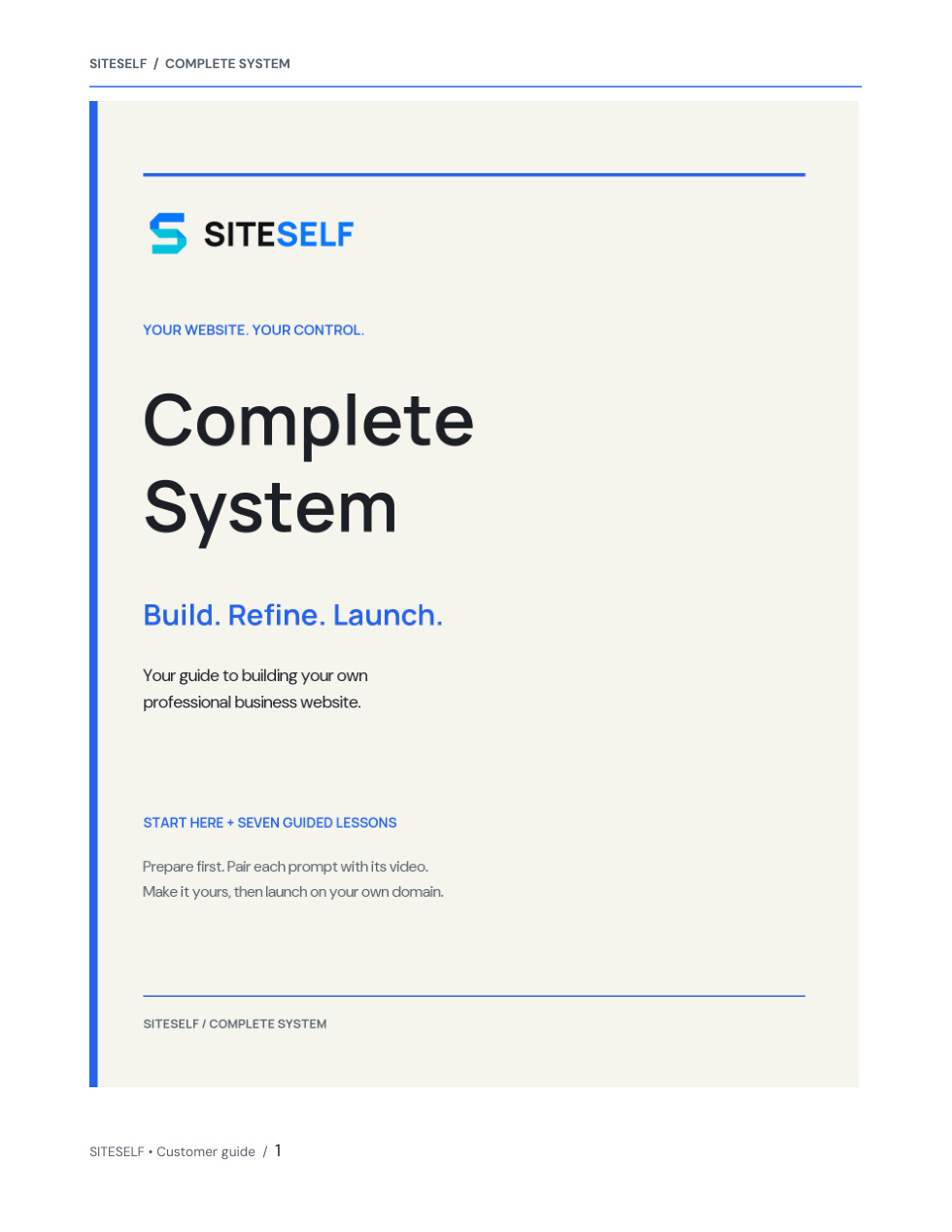
Approved SITESELF Complete System manual cover: Build. Refine. Launch.
One complete branded manual · 27 pages Eight guided videos

27-page manual · 8 guided videos · 7 copy-and-paste prompts · 5 reference sheets · 16 optional extras

One SITESELF-branded Complete System manual — 27 pages, with an introduction and matching closing page
Five written reference sheets: account and credits setup, preparation checklist, website glossary, existing-domain connection and after-launch changes
Start Here preparation video — what to gather before Prompt 1
Prompt 1 + Video 1: Business Interview — clarify and confirm your business facts
Prompt 2 + Video 2: Master Build — create the first complete version
Prompt 3 + Video 3: Brand Refinement — make the website unmistakably yours
Prompt 4 + Video 4: Professional Polish — refine the design and presentation
Prompt 5 + Video 5: Final QA + Search Readiness — check pages, links, forms and search details
Prompt 6 + Video 6: Common Website Changes — practise controlled updates
Prompt 7 + Video 7: Publish + Domain Readiness — buy or connect a domain and launch deliberately
Instructions for every lesson: when to use the prompt, what to do, what happens next and what to review
Sixteen optional Extra Prompts for additions and finishing touches
Copyable customer prompts in your personal lesson area, plus a buyer-labelled PDF guide
Desktop, phone and real contact-delivery checks; domain, hosting and post-launch guidance

Eight guided videos — one for every step, from an empty project to a live website.

Start Here plus Tutorials 1–7. Every video is short, plain-spoken and shows real steps on screen, with its matching copy-and-paste prompt right beside it in your lesson area. No code, no jargon — just follow along.

  • Start Here: Get Ready to Build — SITESELF branded lesson title card

    Start Here

    Get Ready to Build

    Before you build: get your business facts, logo and photos together so everything is ready to go.

  • Tutorial 1: Let the Builder Interview You — SITESELF branded lesson title card

    Tutorial 1

    Let the Builder Interview You

    A simple question-and-answer chat that captures what your business really does, in your own words.

  • Tutorial 2: Build the Website — SITESELF branded lesson title card

    Tutorial 2

    Build the Website

    Watch your first complete website come together from the answers you just confirmed.

  • Tutorial 3: Make It Unmistakably Your Business — SITESELF branded lesson title card

    Tutorial 3

    Make It Unmistakably Your Business

    Add your logo, colors and photos so the site looks and feels like your business.

  • Tutorial 4: Make It Professional — SITESELF branded lesson title card

    Tutorial 4

    Make It Professional

    A cleanup pass that makes every page look sharp, clear and easy to trust.

  • Tutorial 5: Final QA + Search Readiness — SITESELF branded lesson title card

    Tutorial 5

    Final QA + Search Readiness

    One last check of every page on computer and phone before anything goes live.

  • Tutorial 6: Make Common Website Changes — SITESELF branded lesson title card

    Tutorial 6

    Make Common Website Changes

    Learn to change text, photos and services yourself, anytime — no waiting on anyone.

  • Tutorial 7: Buy Your Domain + Launch — SITESELF branded lesson title card

    Tutorial 7

    Buy Your Domain + Launch

    Choose your web address, connect it, and put your finished website live.

What this is

A clear process, not another pile of templates.

Your branded guide starts with a preparation checklist, so you know what to have ready before building. Then follow Prompt 1 with Video 1, Prompt 2 with Video 2, all the way through Prompt 7 and Video 7. Each lesson pairs a copy-and-paste instruction with a recorded example and checks for your own business website. After launch, you can return to your project anytime, describe a change in normal language, review it, and publish it yourself.

Build your site

Launch it yourself

Update it anytime

How you'll use it

Work through the lessons while you build your real website.

Each part tells you what to decide, what to do in the website builder and which prompt or guide to use next. Cedar Peak Electric, a fictional Denver business, is the example shown during the lessons; you build a website for your own business.

Get Ready to Build

You learn
What to gather before you open the website builder: your real business facts, logo, photos and accurate contact details.
You do
Get your business information ready before opening a blank project. There is no build prompt in this lesson.
You use
Start Here

Let the Website Builder Interview You

You learn
How the builder asks about your business one question at a time and summarizes what it understood.
You do
Send the Business Interview Prompt, answer with real facts, correct the summary and confirm it before anything is built.
You use
Tutorial 1 · Business Interview Prompt

Build the Website

You learn
How your first complete website takes shape from the facts you confirmed.
You do
Send the Master Build Prompt, wait for the first version, then review every page.
You use
Tutorial 2 · Master Build Prompt

Make It Unmistakably Your Business

You learn
How to make the logo, colours, photos, tone and contact details consistently yours.
You do
Send the Brand Refinement Prompt and supply any missing assets one at a time.
You use
Tutorial 3 · Brand Refinement Prompt

Make It Professional

You learn
How to remove anything generic, cluttered or repetitive without changing your facts.
You do
Send the Professional Polish Prompt, then review the homepage first.
You use
Tutorial 4 · Professional Polish Prompt

Final QA + Search Readiness

You learn
How to run one combined quality and search check, then confirm desktop, phone and contact delivery yourself.
You do
Send the Final QA + Search Readiness Prompt, then test every page, the phone view and a real message to an inbox you read.
You use
Tutorial 5 · Final QA + Search Readiness Prompt

Make Common Website Changes

You learn
How to review every page and change text, logo placement, photos, services, details and section order one item at a time.
You do
Send the Common Website Changes Prompt, choose one request, then review each result on a computer and phone.
You use
Tutorial 6 · Common Website Changes Prompt

Buy Your Domain + Launch

You learn
How to buy a domain or connect one you own, verify readiness and intentionally put your website live.
You do
Send the Publish + Domain Readiness Prompt, review separate domain and plan costs, then follow the current domain and publishing screens yourself.
You use
Tutorial 7 · Publish + Domain Readiness Prompt · Build & Launch Guide

Included · optional extras

Sixteen ways to keep your website moving forward.

Use only what your business needs. These extras are not required to finish the seven lessons, and they use your real information, photos and proof.

Add more content

  • Add or replace images
  • Add a gallery of your work
  • Add an FAQ page
  • Add a news, blog or updates section
  • Add a download or resource

Add business information

  • Add a team page
  • Add a careers page
  • Add privacy, terms and cookie pages
  • Add social media links

Help customers take action

  • Add a quote, booking or contact action

Add trust and proof

  • Add real customer reviews

Prepare for growth

  • Add a new service
  • Add a new location or service area
  • Get ready for analytics and advertising

Final polish

  • Improve the mobile experience
  • Final visual polish

What you'll need

Bring the facts about your business and time to work through the build.

Bring your services or products, service area, real proof, brand files, contact details and preferred calls to action. Photos help but are optional at the start. You also need an account with the website builder. You can use the included hosted address first and choose a custom domain when ready. Roughly 60 to 90 minutes is intended guidance for focused work once your information is ready, not a promise of how long your own build will take.

Who it's for

Business owners who want guidance and are ready to build.

  • Small-business owners
  • Founders and independent professionals
  • Service businesses
  • People without coding experience
  • People willing to build and edit their own website

What's not included

Know what you will arrange separately.

  • Done-for-you website design or implementation
  • Custom software development
  • Ongoing troubleshooting or website management
  • A website-builder plan or custom-domain registration; normal hosting is handled by the website builder
  • A license to resell or use the materials for client work

See examples

See the kinds of websites you can learn to build.

These websites show how the same lessons can support different businesses, visual styles and customer journeys.

Electrician website

Northline Electric

View homepage
Foundry Renovations logo

Renovation / Contractor

Spaces resolved with purpose.

Renovation and construction shaped around the way a home needs to work.

Discuss your projectView selected work

Project study

The brief, the response, the material decision.

A case-study format communicates thoughtful building work more clearly than a gallery alone.
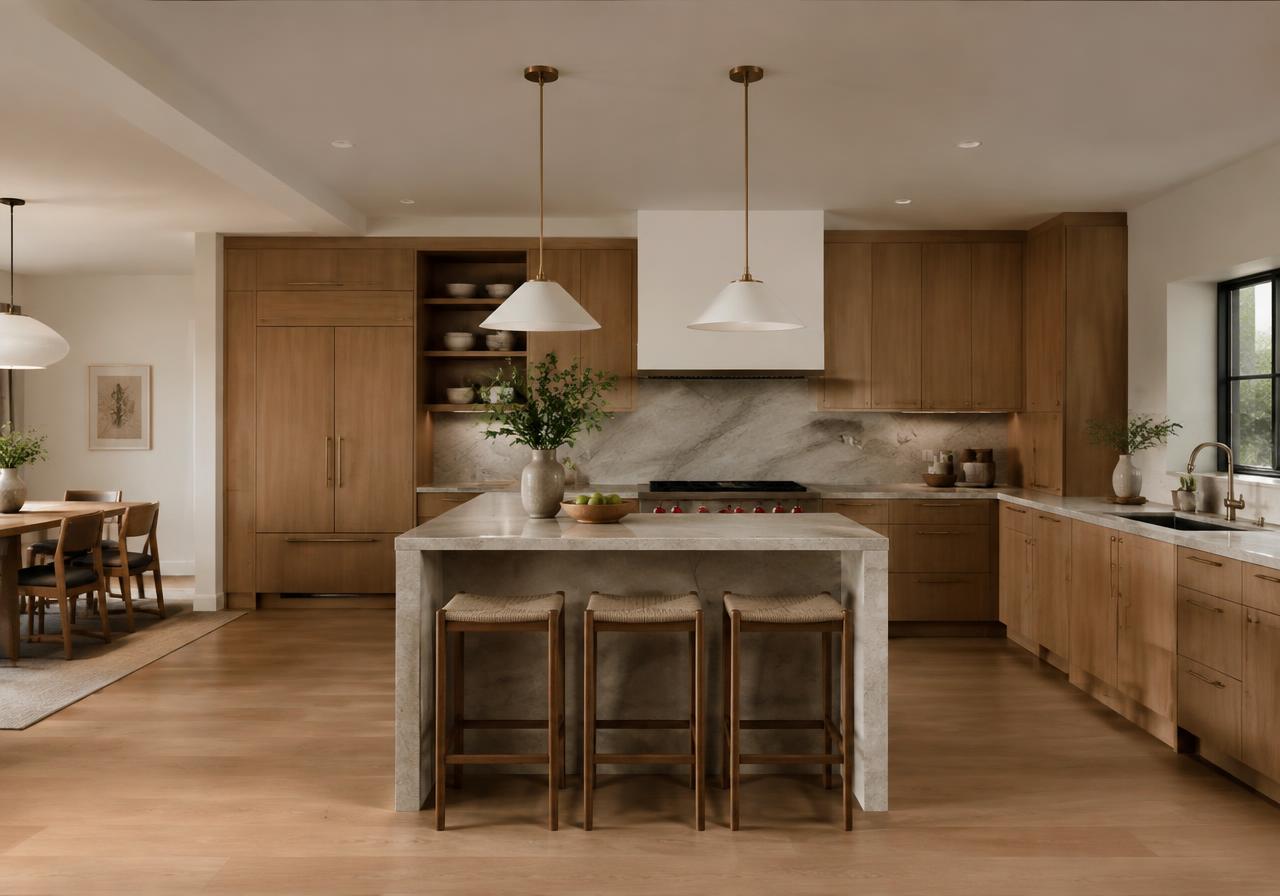
  • BriefThe briefConnect kitchen, living and garden
  • ResponseThe responseOpen sightlines with defined zones
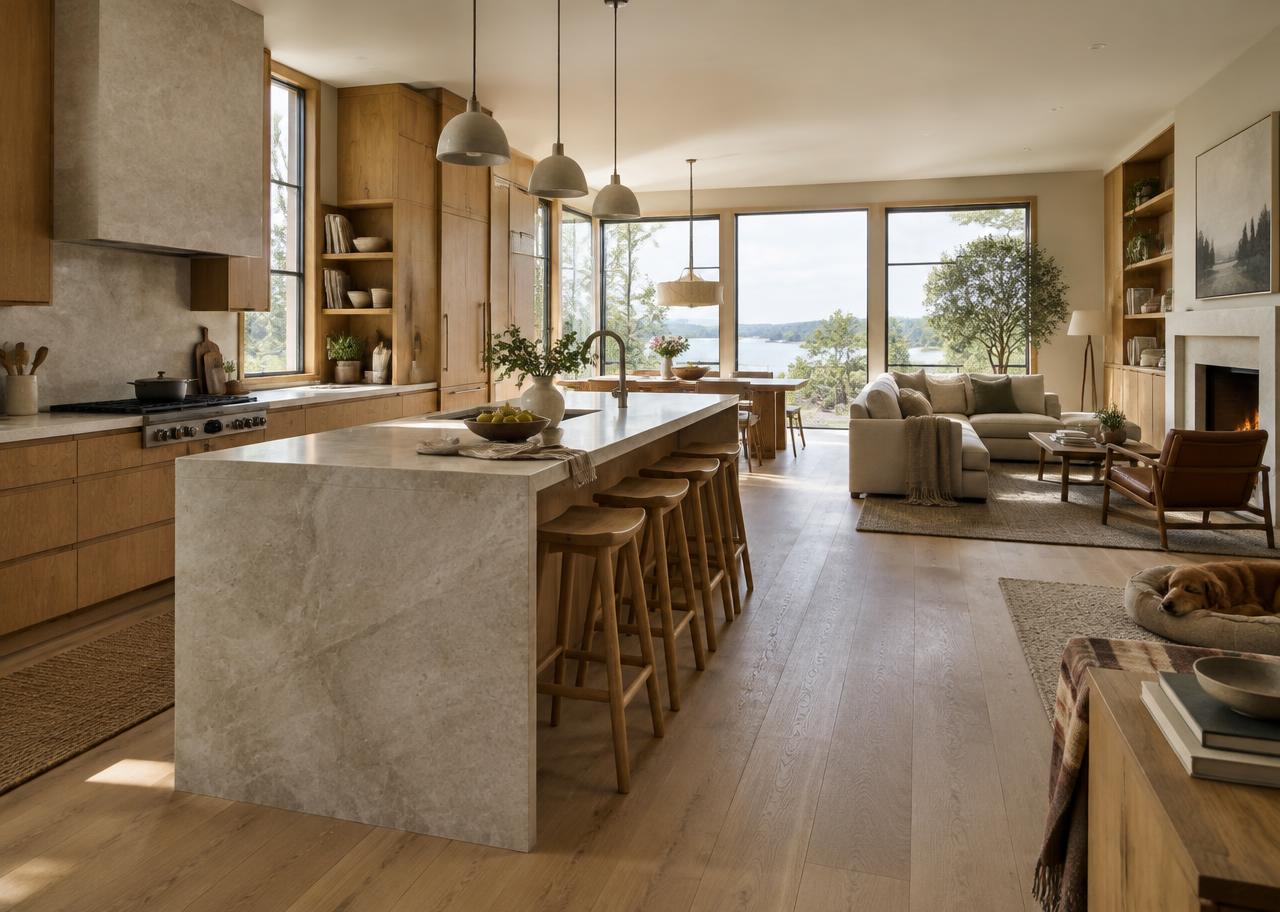
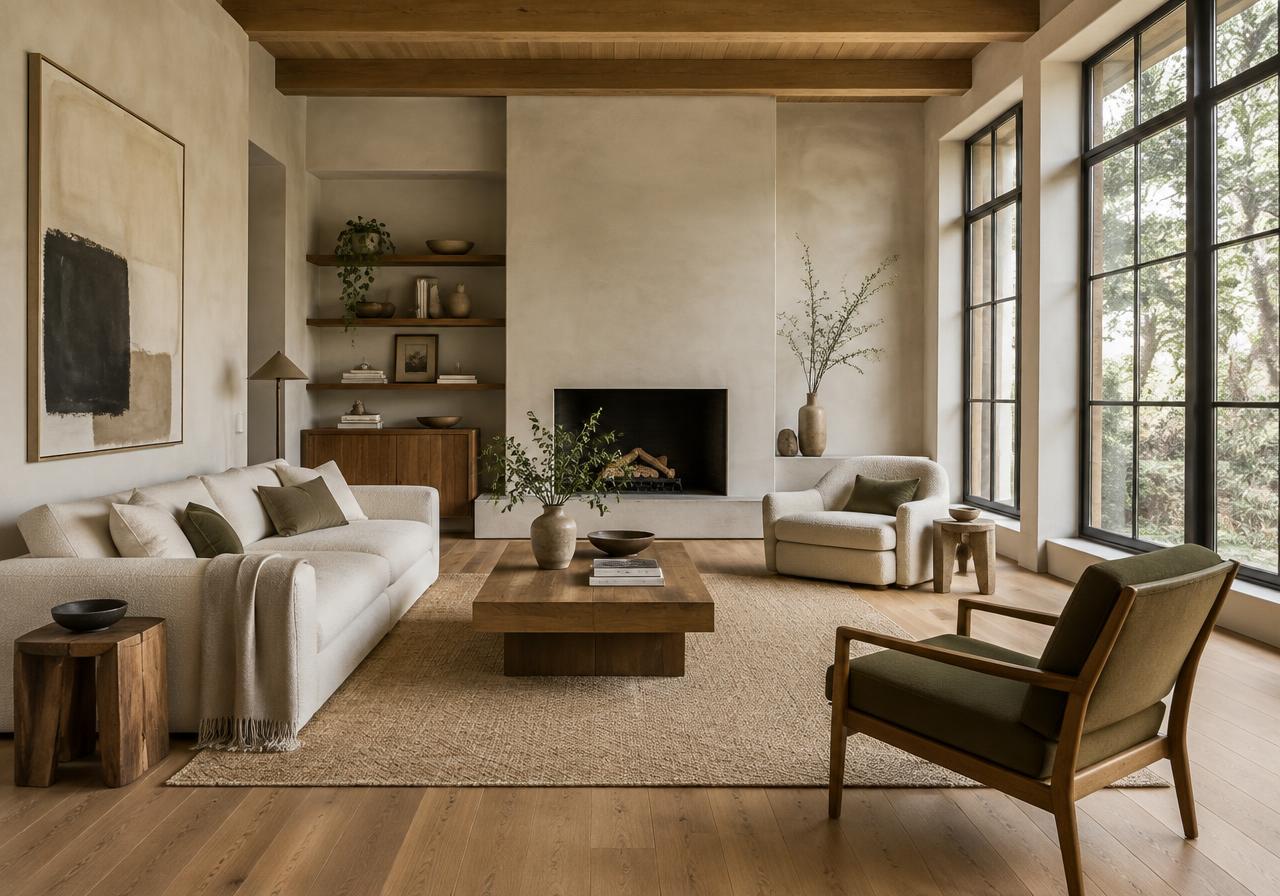
  • MaterialsMaterial directionOak, limewash and durable stone

Selected work

Careful work from the first sketch to the final coat.

Every project starts with a clear brief, a realistic budget and a schedule you can plan your life around.
  • Whole-home renewal
  • Kitchen and living
  • Sensitive additions

About Foundry Renovations

A design-build team for homeowners who care about how a space works as much as how it looks.

Meet the team

What we do

From first sketch to finished space.

Whole-home renovation

Clear information about whole-home renovation and what to expect.

Learn more
Additions

Practical options explained in straightforward language.

Learn more
Interior architecture

A simple next step when you are ready to talk.

Learn more

Working together

Careful decisions from the first conversation onward.

  1. Initial brief
  2. Design development
  3. Coordinated build
Detailed planning
Trade coordination
Material direction

Start here

Discuss your project

Renovation and construction shaped around the way a home needs to work.
Discuss your project

Renovation / Contractor website

Foundry Renovations

View homepage
Avery & Co. Real Estate logo

Realtor / Real Estate Agent

A clearer way to make your next move.

Thoughtful guidance for buying and selling across distinctive city neighborhoods.

Book a consultationSearch listings

Featured homes

Places worth a closer look.

Garden DistrictCharacter home · 4 bed
North EndFamily residence · 3 bed
RiversideWaterside home · 3 bed

Avery's city edit

Find the neighborhood before the house.

Local context sits beside property discovery so buyers can compare the life around each address.
  • NeighborhoodGarden DistrictTree-lined streets and character homes
  • NeighborhoodRiversideWalkable blocks near the water
  • NeighborhoodNorth EndEstablished homes and local makers

What we do

Move with a plan that fits you.

Featured homes

Clear information about featured homes and what to expect.

Learn more
Buyer pathway

Practical options explained in straightforward language.

Learn more
Seller strategy

A simple next step when you are ready to talk.

Learn more

About Avery & Co. Real Estate

Avery works with a small number of buyers and sellers at a time so every client gets real attention.

Meet the team

Neighborhood perspective

Find the neighborhood before the house.

Local knowledge sits beside every listing, so you can compare the life around each address, not just the square footage.
  • Current listings
  • Community guides
  • Buyer and seller planning
Local perspective
Direct guidance
Focused preparation

Your next move

A different starting point for every property decision.

  1. Buying a home
  2. Preparing to sell
  3. Understanding an area

Start here

Book a consultation

Thoughtful guidance for buying and selling across distinctive city neighborhoods.
Book a consultation

Realtor / Real Estate Agent website

Avery & Co. Real Estate

View homepage
Elm Dental Studio logo

Dentist

Dental care that starts with listening.

Preventive, restorative and cosmetic care explained in straightforward language.

Request an appointmentNew patient guide

First visit

Know what happens before you arrive.

Practical patient information is treated as part of the experience, not hidden in fine print.
  • PrepareBefore the appointmentForms, records and insurance details
  • VisitDuring the visitConversation, exam and clear options
  • PlanAfterwardWritten next steps and follow-up

What we do

Care designed around your comfort.

Preventive care

Clear information about preventive care and what to expect.

Learn more
Restorative care

Practical options explained in straightforward language.

Learn more
New patients

A simple next step when you are ready to talk.

Learn more

Your first visit

Your first visit, explained before you arrive.

Forms, insurance questions and what to expect are all covered up front, so you can walk in relaxed.
  • What to expect
  • Forms and insurance
  • Comfort questions

Explore care

Find the right starting point for your needs.

  1. Preventive
  2. Restorative
  3. New patients

About Elm Dental Studio

A calm, modern practice where every visit starts with a conversation, not a chair.

Meet the team
Accessible information
Insurance guidance
Calm appointments

Start here

Request an appointment

Preventive, restorative and cosmetic care explained in straightforward language.
Request an appointment

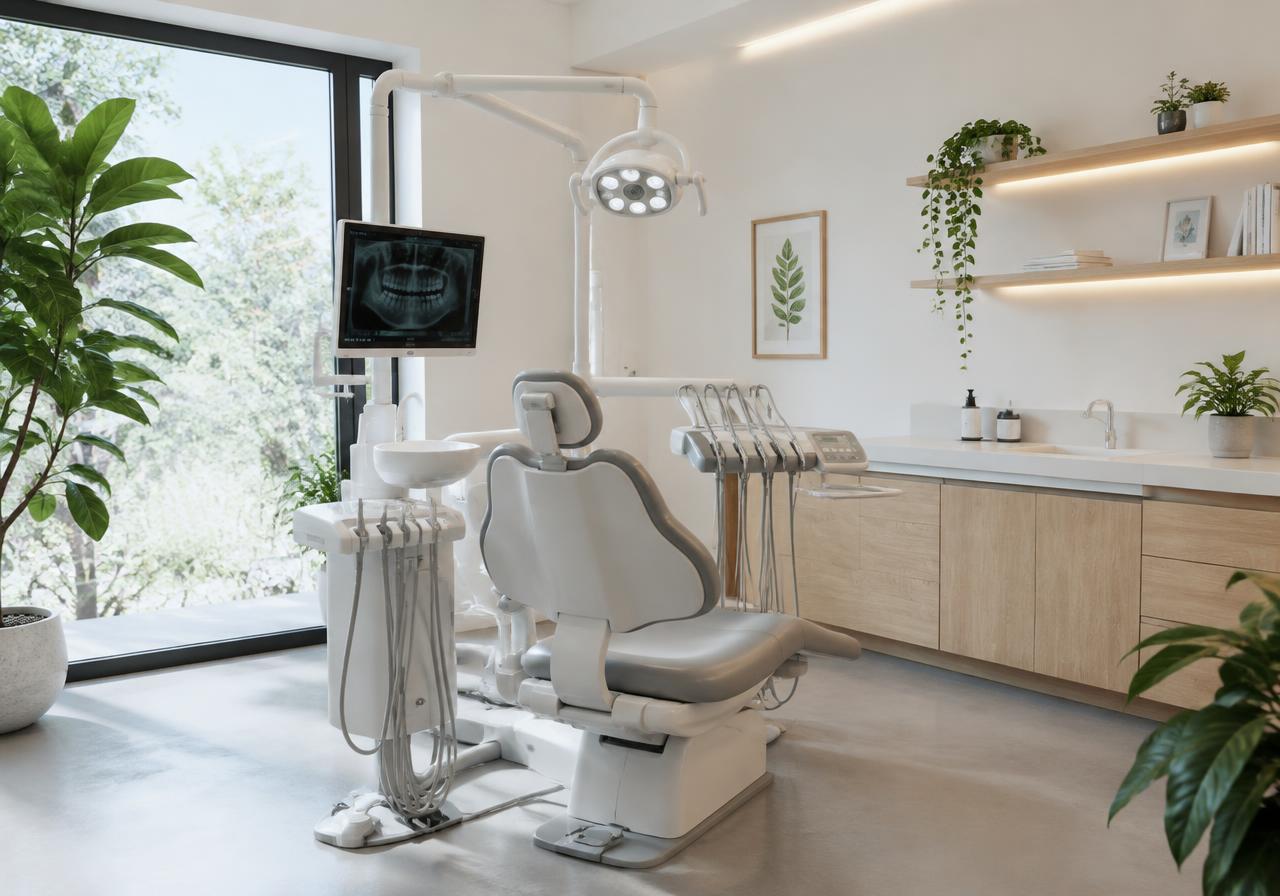
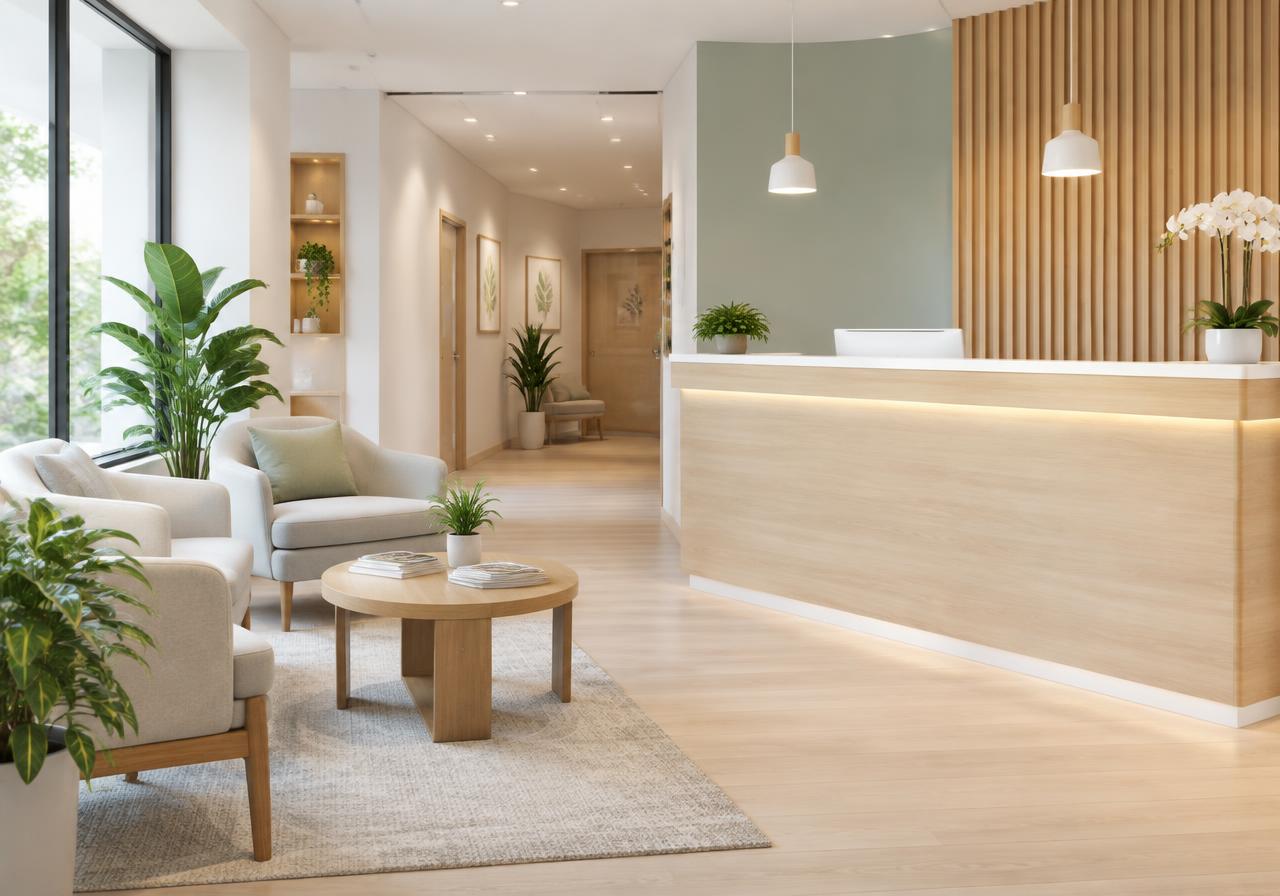
Dentist website

Elm Dental Studio

View homepage

Restaurant website

Orla Kitchen

View homepage

E-commerce / Home Goods website

Still House

View homepage
View all website examples

Frequently asked questions

Important details before you buy.

Do I need to know how to code?

No. The training is designed for people building their own website without coding. You do need to follow instructions and make decisions about your own business.

Will SITESELF build the website for me?

No. This is a self-service digital product. You build and edit the website yourself using the included lessons and materials.

Is website software included?

No. SITESELF teaches you to use a separate website builder. That service handles normal hosting for a published site, so you do not need separate traditional hosting. A website-builder plan and custom domain may cost extra; check the current requirements in the website builder.

Can I use this for client websites?

No. The included license is for the buyer's own business website. A separate SITESELF PRO product is planned for freelancers and agencies.

SITESELF Complete System

Build your own professional website with clear guidance from start to launch.

Learn to build, launch and update your own website without coding. This is a self-service digital product, not a website built for you, and checkout is not open yet.

Read all FAQs