
How it works

Start with your business. Finish with a website you know how to launch and update.

Eight tutorials, 0 to 7, inside the US$199 Complete System guide you through the work in a practical order. You use each copy-paste prompt and checklist on your own business website as you go.

You begin with your real business information and a blank website project. Eight tutorials guide you through the business interview, the first build, brand and professional refinement, final checks, the choice of the included hosted address or your own domain, and publishing when ready. The website builder handles normal hosting for the published site; check its current plan and domain requirements before choosing your address. After launch, you return to the same project, describe a change in plain English, review it on desktop and phone, and publish the update yourself.

US$199 one time
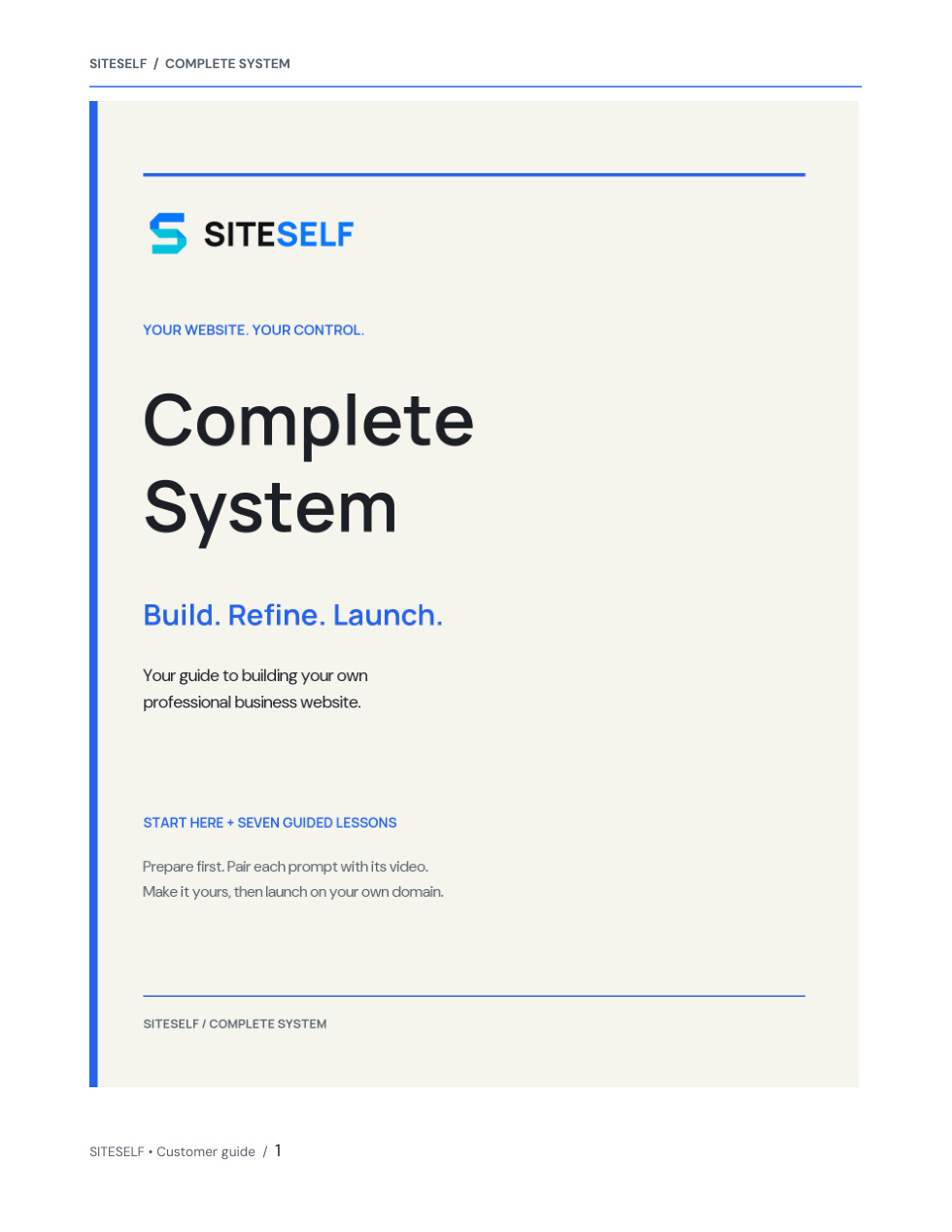
Approved SITESELF Complete System manual cover: Build. Refine. Launch.
One complete branded manual · 27 pages Eight guided videos

What you will do

Build your website one practical step at a time.

Tutorials 0–7 explain what to do next and which prompt or guide to use. Roughly 60 to 90 minutes is intended guidance for focused work once your business information is ready, not a guaranteed completion time.

Get Ready to Build

What you learnWhat to gather before you open the website builder: your real business facts, logo, photos and accurate contact details.

What you doGet your business information ready before opening a blank project. There is no build prompt in this lesson.

What you receiveStart Here

Let the Website Builder Interview You

What you learnHow the builder asks about your business one question at a time and summarizes what it understood.

What you doSend the Business Interview Prompt, answer with real facts, correct the summary and confirm it before anything is built.

What you receiveTutorial 1 · Business Interview Prompt

Build the Website

What you learnHow your first complete website takes shape from the facts you confirmed.

What you doSend the Master Build Prompt, wait for the first version, then review every page.

What you receiveTutorial 2 · Master Build Prompt

Make It Unmistakably Your Business

What you learnHow to make the logo, colours, photos, tone and contact details consistently yours.

What you doSend the Brand Refinement Prompt and supply any missing assets one at a time.

What you receiveTutorial 3 · Brand Refinement Prompt

Make It Professional

What you learnHow to remove anything generic, cluttered or repetitive without changing your facts.

What you doSend the Professional Polish Prompt, then review the homepage first.

What you receiveTutorial 4 · Professional Polish Prompt

Final QA + Search Readiness

What you learnHow to run one combined quality and search check, then confirm desktop, phone and contact delivery yourself.

What you doSend the Final QA + Search Readiness Prompt, then test every page, the phone view and a real message to an inbox you read.

What you receiveTutorial 5 · Final QA + Search Readiness Prompt

Make Common Website Changes

What you learnHow to review every page and change text, logo placement, photos, services, details and section order one item at a time.

What you doSend the Common Website Changes Prompt, choose one request, then review each result on a computer and phone.

What you receiveTutorial 6 · Common Website Changes Prompt

Buy Your Domain + Launch

What you learnHow to buy a domain or connect one you own, verify readiness and intentionally put your website live.

What you doSend the Publish + Domain Readiness Prompt, review separate domain and plan costs, then follow the current domain and publishing screens yourself.

What you receiveTutorial 7 · Publish + Domain Readiness Prompt · Build & Launch Guide

See the full product

Review all eight tutorials, seven lesson prompts and the guides included.

See everything included